Copilot vs AI Agents: We Pay for Copilot. Do We Need Agents?
Copilot helps one person inside Office when they ask. An AI agent takes a recurring job across your systems. What 150 seats cost, and when you need both.
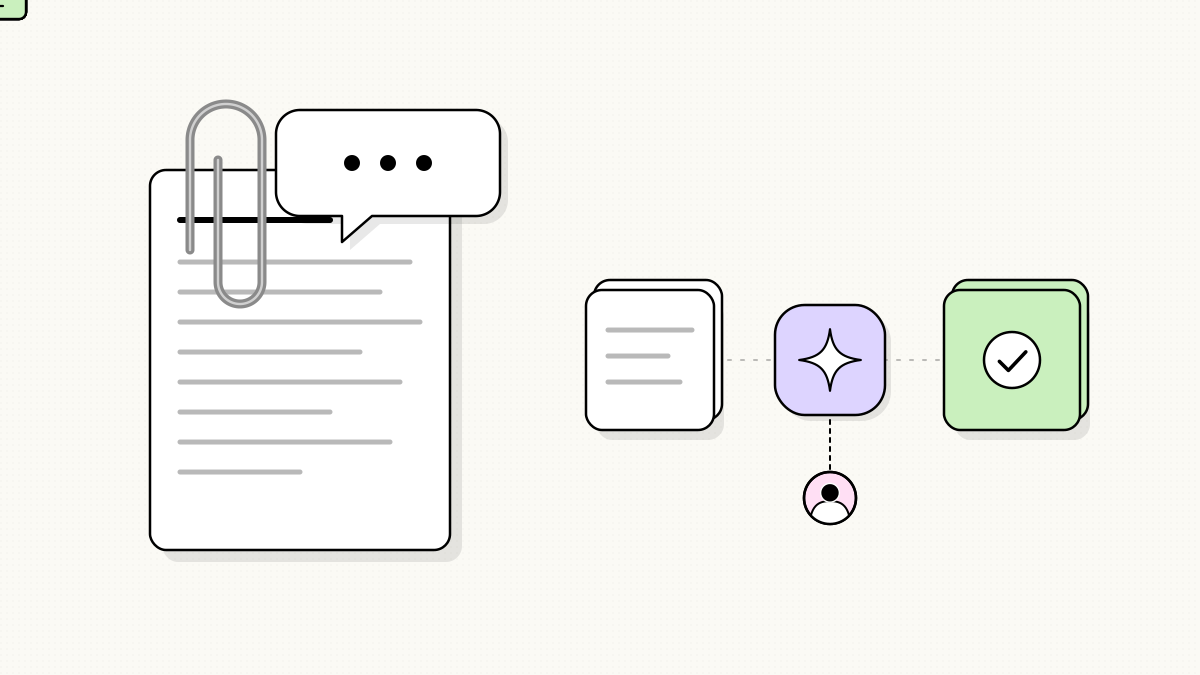
- Microsoft 365 Copilot helps one person inside Word, Excel, Outlook and Teams when they ask. An AI agent takes a recurring job across your systems and brings a person in only when something needs a decision.
- At Microsoft’s list price of $21 per user per month, 150 Copilot Business seats cost $37,800 a year as of September 2026, on top of Microsoft 365.
- Copilot is the right buy for work that starts with a person and stays in Office.
- If a job arrives on its own, repeats hundreds of times a year and crosses systems outside Office, it’s an agent job.
- One Switchboard agent is $12,500 fixed with no license fees, and the two do different jobs, so they don’t replace each other.
Office 97.
You open Word, type an address, hit enter twice and type “Dear.”
A paperclip with eyebrows slides onto the screen.
“It looks like you’re writing a letter. Would you like help?”
Almost nobody wanted help. By Office XP he was switched off by default. (Clippy deserved better. He was just early.)
I run a firm that builds AI agents and software, and most of our clients run on Microsoft. So I think about that paperclip a lot, because the question I hear most on calls right now is “We already pay for Copilot. Do we still need agents?”
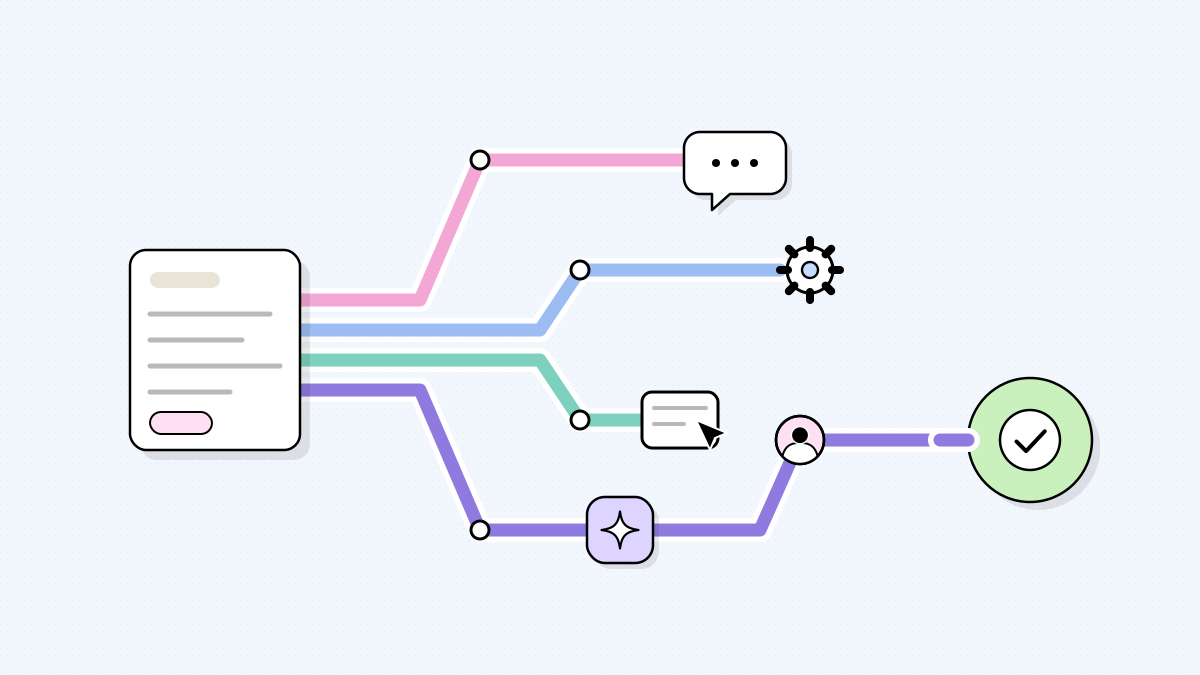
They do different jobs. Microsoft 365 Copilot helps one person when that person asks. An agent takes a job that repeats, like matching every vendor invoice to its purchase order, and only pulls a person in when something needs a decision.
Copilot is Clippy’s far more capable grandkid. It still waits for you to start the letter.
What’s the difference between Copilot and an AI agent?
Picture the mailroom. Every day, work shows up whether or not anybody opens Word: vendor invoices, auditor requests, a new hire starting Monday.
Copilot lives at the desk. Someone sits down, asks it to summarize a Teams call, and it’s very good at that. When they stand up, it stops.
An agent works the mailroom. It picks up each invoice as it lands, checks it against the PO, posts the ones that agree and sets aside the rest. Nobody has to ask.
To be fair to Microsoft, Copilot Business comes with a few agents of its own, like Researcher and Analyst, and Copilot Studio lets you build more. You just need someone in-house who can build one, connect it to your systems outside Microsoft, keep an eye on the Copilot Credits it uses and fix it when it breaks. Most 150-person companies don’t have that person sitting around.
What does Copilot cost a 150-person company?
At list price, 150 seats of Copilot Business cost $37,800 a year (150 × $21 × 12), on top of the Microsoft 365 plan each seat needs, per Microsoft’s own pricing page as of September 2026.
That’s the annual plan, which covers up to 300 users. Month to month it’s $25.20 a seat, and signing an annual plan by December 31, 2026 drops the first year to $18 a seat, or $32,400.
The bill comes back every year and grows with headcount. Whether it pays depends on how many people open it most days. If most do, it’s cheap. If a couple of dozen do, you’re paying for seats that sit unused.
You don’t have to buy for everyone. Forty seats for the people who live in Outlook and Excel is $10,080 a year, and everyone else still gets Copilot Chat at no extra cost with an eligible Microsoft 365 plan.
In a mid-2025 Gartner survey of 187 IT leaders, 40% were piloting Copilot, and only 5% of those who had finished a pilot were moving to a bigger rollout that year (as reported by techpartner.news). Small sample, and it measures rollout decisions, not whether Copilot helps the people using it.
When is Copilot the right answer?
Some agent builders call Copilot a waste of money. I don’t agree. For work that starts with a person and stays in Office, it’s the right tool:
- Summarizing the Teams meeting you missed, with the actions pulled out.
- A first draft of a proposal, a policy or a hard email.
- Finding the deck somebody shared in March.
- Writing the Excel formula nobody on the team remembers.
If that’s the help your people want, buy seats for the people who’ll use them and skip the agent.
The jobs that arrive on their own
A call I’ve had more than once goes like this. A COO tells me they rolled Copilot out to the whole company. I ask what it’s doing for accounts payable. Pause. “Mostly summarizing calls.” Then they mention two people still spend most of their week keying invoices and chasing the controller about the ones that don’t match. The seats are on the desk. The work is in the mailroom.
Copilot can help those two write a nicer email. But nobody is going to ask it, 1,000 times a month, to open invoice INV-4471 from Alder Supply, notice line three is $212 over PO 2208 against a $50 tolerance, and put it in front of the controller with the receipt attached.
Our invoice matching agent does exactly that job, picking invoices up from the same shared AP inbox the team already uses. In our own workflow model, at about 1,000 invoices a month it saves roughly ten minutes of keying and chasing each, about 160 hours a month the AP team can spend on vendors and the odd cases.
Auditor requests work the same way, and so does onboarding. At one company whose headcount had doubled in two years, offer accepted to fully onboarded went from six days to one (the HR operations case study, a wider build than one agent).
The agent gets its own account with only the access that job needs, and a named person signs off anything involving money or a customer.
The money works differently too. One Switchboard agent is $12,500 fixed, and we do the building. There are no license fees and you own it, so adding people doesn’t change the price. You pay the AI provider for what it uses, usually a small fraction of what the same work costs by hand, and support is optional, from $1,000 a month.
The two don’t replace each other, so I wouldn’t choose between them on price.
Do you need AI agents if you already have Copilot?
Five questions for any recurring job.
- Does the work arrive on its own, rather than when someone decides to start it?
- Does it happen at least a few hundred times a year?
- Does it touch systems outside Office, like accounting, your HR system or a customer portal?
- Can you say what done right looks like, and check it against last year’s work?
- Is there one clear person who signs off the odd cases and the money?
Mostly nos? Stick with Copilot. Mostly yeses? Hand that job to an agent. Our catalog of 80+ AI agents shows which of your jobs already have one, and these seven are where most teams start.
Two different rooms
The invoices will keep landing whether anyone opens Word or not, and nobody is sitting there typing “Dear.”
Keep the paperclip. Just don’t leave it in charge of the mailroom.
PS, if there’s a job in your week that shows up whether anyone asks for it or not, bring it to an agent scoping call. Thirty minutes, and we’ll tell you straight whether it’s an agent or a Copilot prompt.