Digital Transformation for
Customer Service Teams
Modernize ticketing, handoffs, and reporting so customers get faster answers and your team stays in control.
THE REALITY IN MOST CUSTOMER SERVICE TEAMS
Support has tools. The work still feels manual.
Tickets come in through email, chat, and forms. Updates end up in threads, docs, and spreadsheets. Customers follow up because they cannot see progress.
We help you pull support work into a clean system, connect the tools you already use, and make ownership and response times clear.
We help you pull support work into a clean system, connect the tools you already use, and make ownership and response times clear.

Channels everywhere
Requests arrive in different places, so agents duplicate work and miss context.

Unclear ownership
Escalations and handoffs happen in messages, so it is hard to know who owns the next step.
Weak visibility
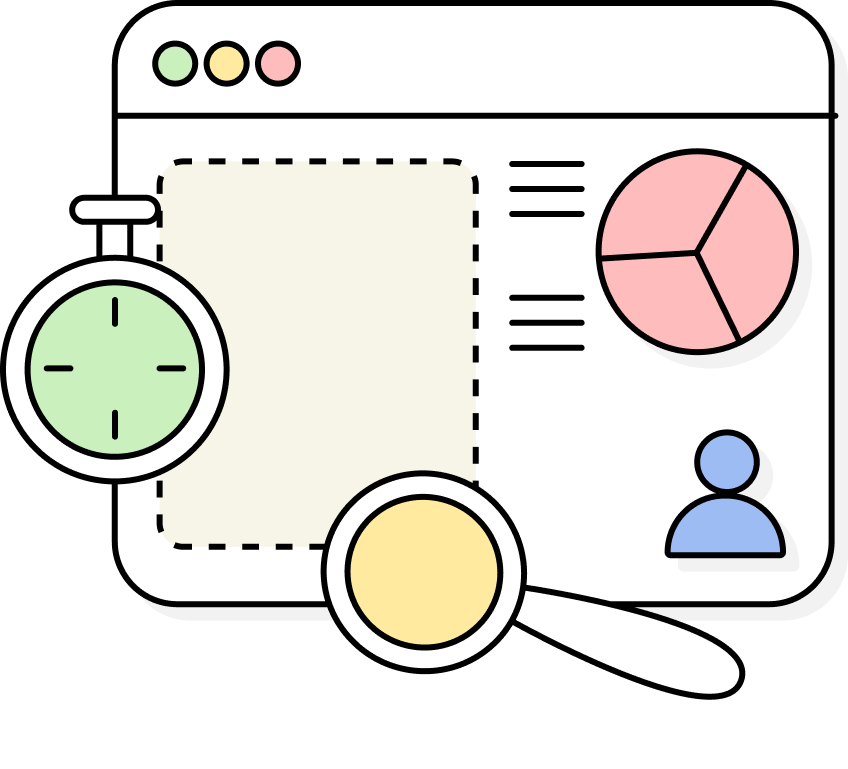
Leaders cannot see backlog, SLAs, or blockers without stitching together manual reports.
How modern CS works
Fix the workflow first. Tools follow.
Customer service transformation follows an order. We map the real steps, define the ticket fields that matter, and set clear ownership. Then we connect systems and add automation that supports the team instead of adding noise.
What we build for CS teams
Practical builds that make support run smoother.
 Define the system of record for tickets, customers, and key request types
- Standardize categories, priority, and required fields so tickets stay clean
- Set clear stages, owners, and response targets so work does not drift
.svg) Routing, escalations, reminders, and status changes tied to SLAs
Routing, escalations, reminders, and status changes tied to SLAs- Cross tool updates with clear rules for where updates should live
- A short pilot, then rollout so the team actually adopts it
What your team gets after the rebuild
Clear ownership, fewer follow ups, and visibility you can trust.

Consistent ticket triage
Intake gets structured fast. Requests are tagged, prioritized, and routed the same way every time, so urgent work doesn’t get buried.
Clean escalations & handoffs
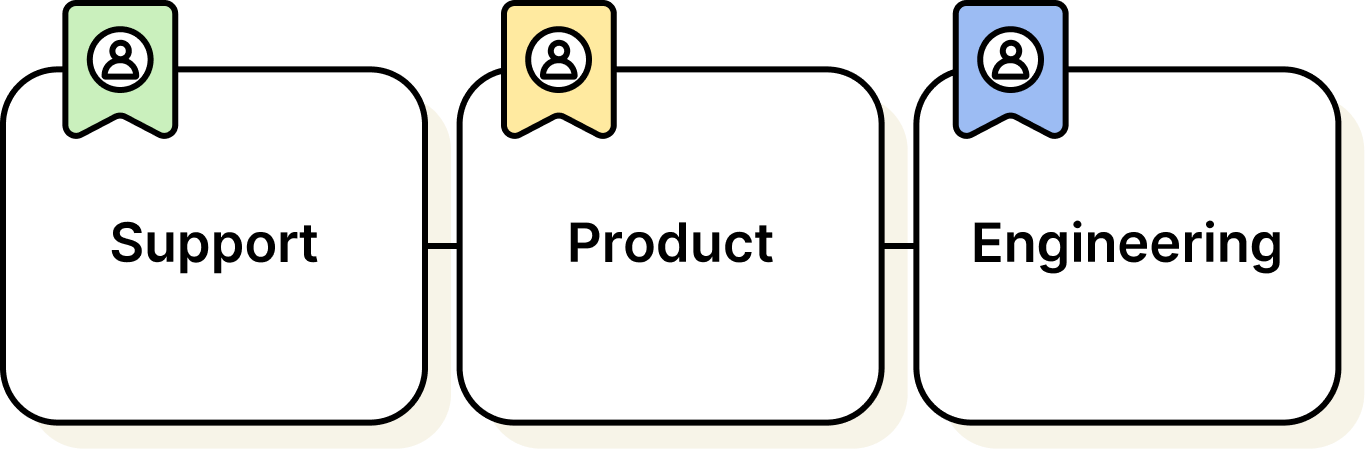
Escalations move with clear next steps. Ownership stays visible across Support, Product, and Engineering, with fewer “who has this?” follow-ups.
Knowledge stays usable
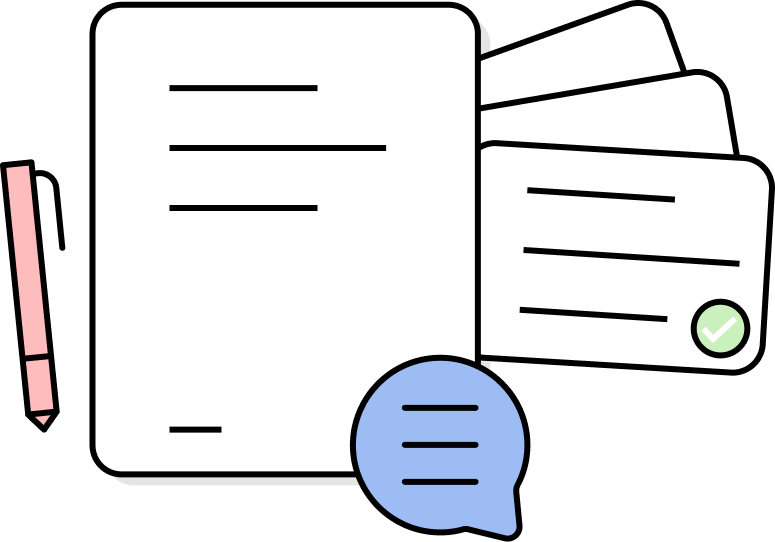
The help center stays current as new issues come up. Articles get created, updated, and reviewed as part of the support workflow, not as an extra project.
SLA visibility in real time
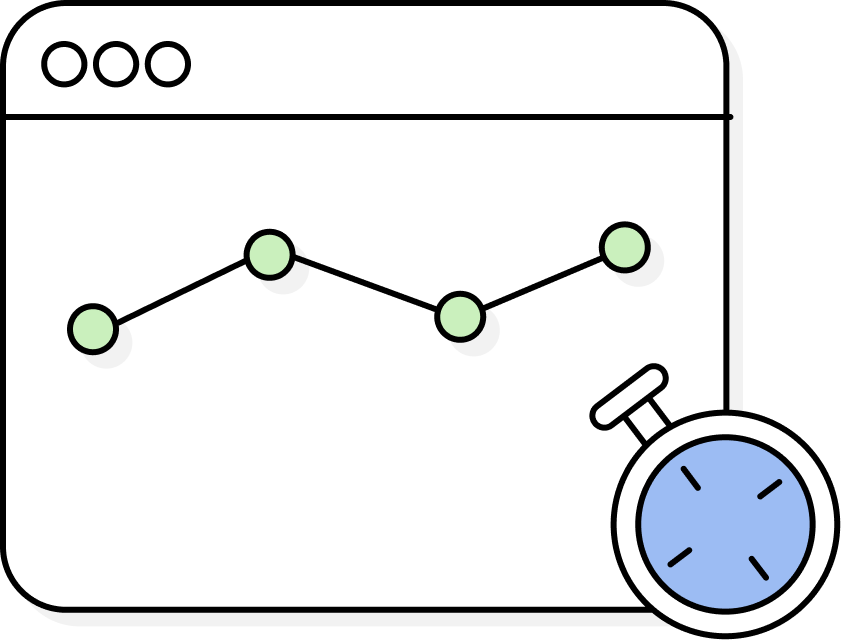
Leaders see volume, backlog, and response times without pulling reports. Risks surface early, so the team can rebalance before customers feel it.
Ready to modernize your operations?
Let’s look at your ticket flow and bottlenecks together.
Free resources for
Customer Service teams
Templates and guides
Practical guides, frameworks, and resources we use in real client work, shared so CS teams can learn, adapt, and apply them in their own context.
Browse Free Resources →
Switchboard Connect newsletter
Short, practical insights on operations, automation, and transformation.
Subscribe →

Case Studies
See how teams fixed handoffs, cleaned up systems, and removed manual work.
Browse case studies →
Customer Service FAQ
What does digital transformation mean for a customer service team?
It means your support work runs through a clear system with consistent rules. Tickets have clean fields, owners, and stages. SLAs and escalations are visible, not buried in chat threads. Reporting reflects what is happening right now. Most teams keep their current tools and connect them better. The goal is faster responses, fewer follow ups, and a calmer day for the team.
Do we need to replace our helpdesk to work with Switchboard?
Usually, no. We start by understanding how tickets actually flow and where information gets lost. If your helpdesk can support clean ticket fields, stages, and routing, we can often improve it without a full replacement. When a tool change makes sense, it is because the current setup cannot support the workflow you need. We will recommend changes only when they reduce complexity and improve reliability.
How do you improve SLA performance without pressuring agents?
We focus on clarity and fewer blockers. We define what counts as first response, what pauses the clock, and who owns each step. Then we set smart routing, reminders, and escalations so the right person sees the ticket at the right time. We also reduce duplicate tickets and missing info that slows agents down. The result is better SLA performance because the system supports the team.
What kinds of workflows do you modernize for customer service?
Common ones include intake from email and forms, triage and categorization, assignment and escalation, internal handoffs, refunds or replacements, bug reports to product, and customer updates through closure. We also improve knowledge base feedback loops, so repeated questions turn into better self serve content. If a workflow involves tickets, approvals, or cross team coordination, it is usually a good fit.
How do you handle customer service handoffs between teams?
We make handoffs part of the workflow, not a side conversation. That means clear stages like “Waiting on Customer” or “Waiting on Internal,” defined owners, and required info before a ticket can move forward. We also set notifications and views so the receiving team sees work early, not after it becomes urgent. This reduces silent delays and creates a visible trail that leaders can trust.
When does it make sense to add AI to customer service operations?
After the workflow and data are clean. AI works best when ticket categories, priorities, and outcomes are consistent. Then it can help summarize long threads, suggest replies, and route tickets more accurately. If the basics are messy, AI tends to repeat the mess faster. We treat AI as a layer you add once the system is stable, so it helps the team without taking control away.
